Nut Graph
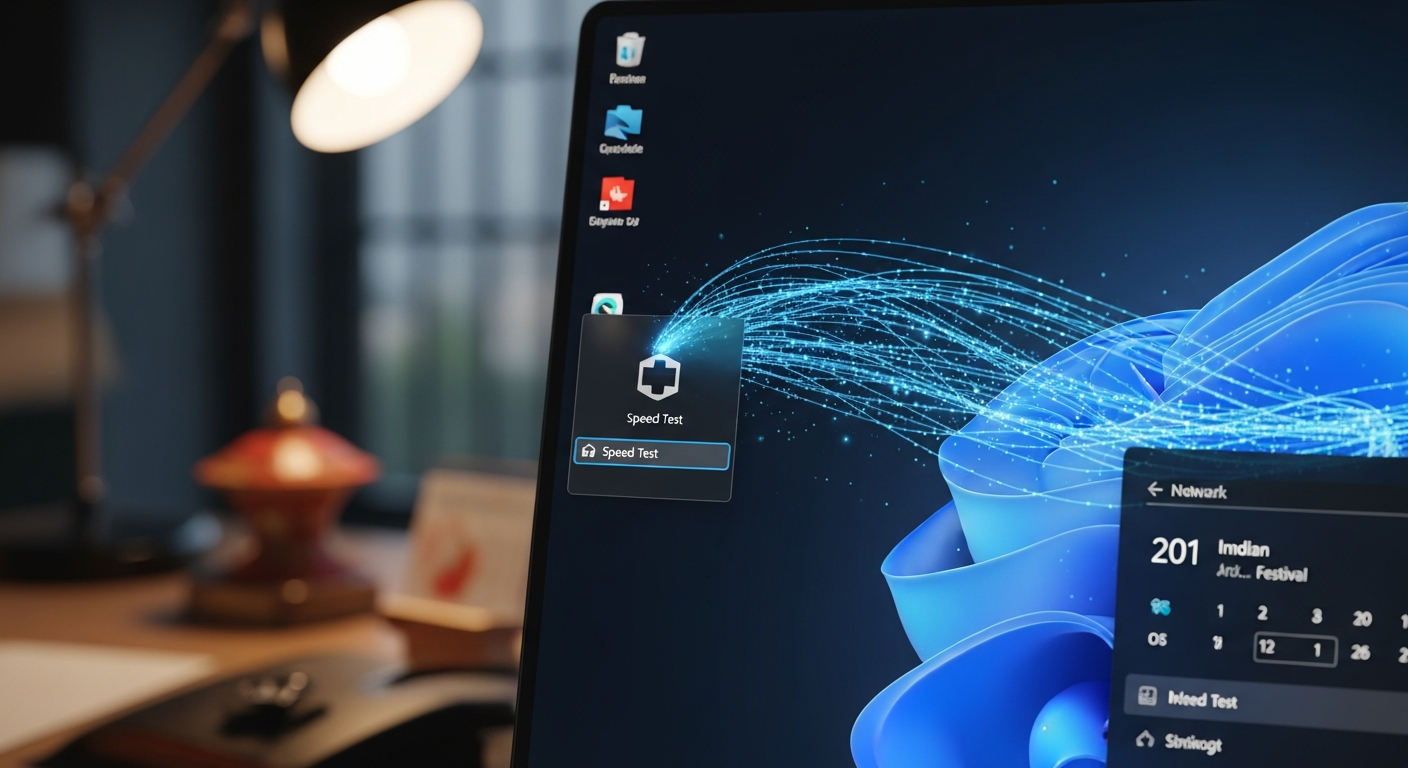
The integration of a native network speed test directly into Windows 11 marks a strategic move by Microsoft to significantly enhance user convenience and system diagnostics. This upcoming feature, currently rolling out to Windows 11 Insiders in the Release Preview Channel, aims to streamline the process of monitoring internet connection speeds, potentially reducing reliance on third-party tools and improving the overall user experience for millions of users globally, including those in high-growth markets like India.
Key Takeaways
-
Integrated Diagnostics: Windows 11 will soon feature a built-in network speed test.
-
Easy Access: The tool is accessible directly from the taskbar via a right-click on the network icon.
-
Insider Rollout: Initially available to Insiders in the Release Preview Channel for testing.
-
Versatile Connectivity: Supports speed testing across Ethernet, Wi-Fi, and cellular data connections.
-
Third-Party Alternative: Offers a convenient, native alternative to browser-based speed test websites.
-
Ongoing Refinement: Part of Microsoft's continuous efforts to enhance Windows 11 functionality and user self-sufficiency.
Main Analysis
Streamlining Connectivity Diagnostics for the Modern User
In an era where reliable internet connectivity is fundamental, Microsoft's decision to integrate a native network speed test into Windows 11 addresses a long-standing user need. Historically, checking internet speed required navigating to external websites, often laden with advertisements or requiring specific browser configurations. This new feature fundamentally alters that workflow, allowing users to initiate a speed test directly from the system tray's network icon. This seamless integration means that verifying connection performance—be it for troubleshooting, service provider validation, or simply out of curiosity—becomes a matter of a few clicks rather than a multi-step browser interaction. For businesses and home users alike, especially those in regions with varied internet infrastructure, this can translate to quicker diagnostics and reduced downtime.

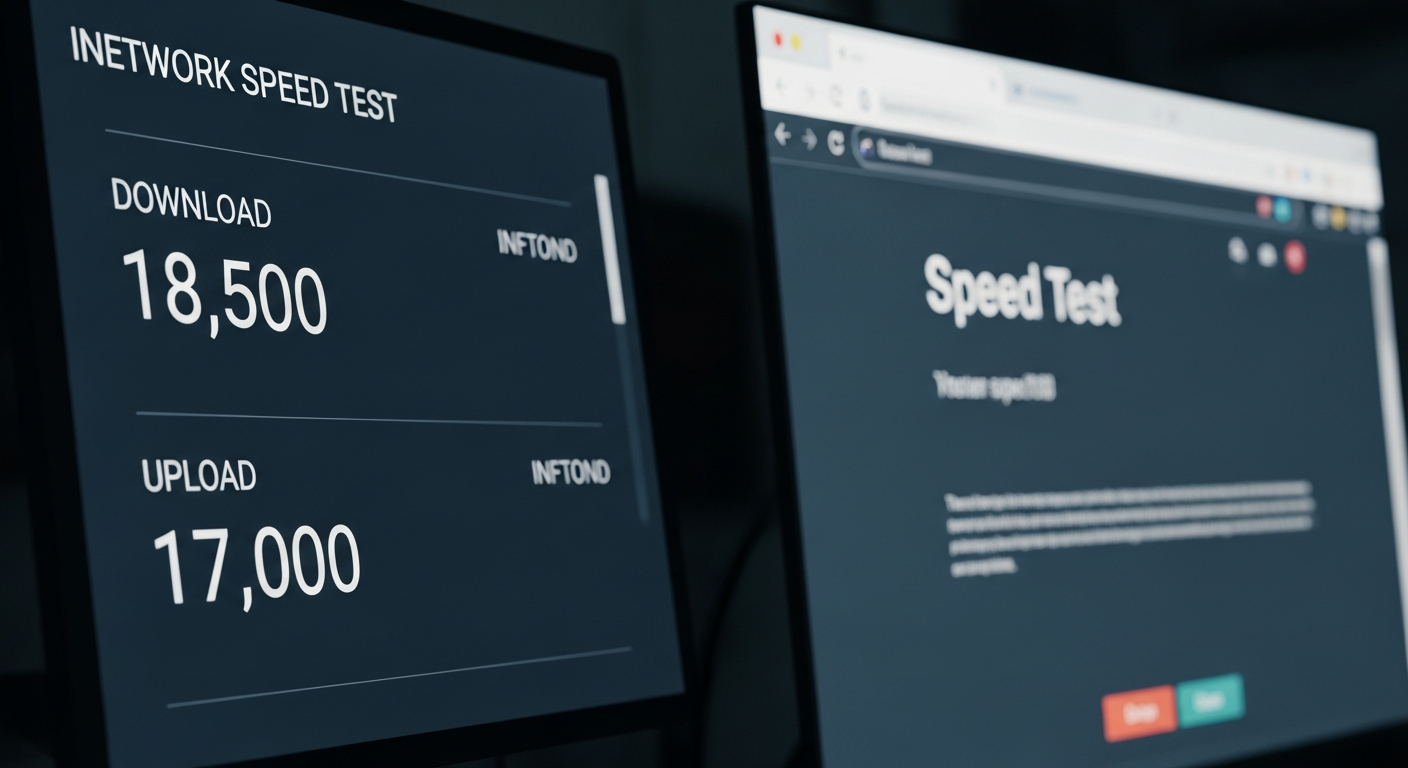
The utility's immediate accessibility is its most compelling advantage. Users can right-click the network icon, select the "speed test" option, and have the results displayed in their default web browser. While the reliance on a browser might seem counterintuitive for a "built-in" tool, it leverages existing web rendering capabilities, ensuring compatibility and potentially faster iteration cycles for the display interface. This approach balances native integration with web flexibility.
Implications for User Experience and System Reliability
The primary beneficiary of this integration is the end-user, who gains a powerful, always-available diagnostic tool. The ability to quickly ascertain download, upload, and latency figures across Ethernet, Wi-Fi, and cellular connections directly from the operating system empowers users with immediate data about their network health. This is particularly relevant in India, where internet penetration is rapidly expanding and users frequently switch between various network types and providers. Diagnosing slow speeds or intermittent connectivity becomes less daunting, potentially reducing calls to technical support and fostering greater self-reliance among Windows users. The feature underscores Microsoft's commitment to creating a more self-sufficient and user-friendly operating environment, where essential tools are not just available but deeply embedded within the system's core functionalities.
Microsoft's Broader Strategy: Enhancing the Windows Ecosystem
This network speed test is not an isolated update but rather indicative of Microsoft's broader strategy for Windows 11. Since its launch, Windows 11 has received a steady stream of feature enhancements aimed at improving usability, performance, and security. Integrating a speed test aligns with this vision by making the operating system more robust and comprehensive. It minimizes the need for users to seek out third-party applications or web services for basic but critical functions, thus solidifying the Windows ecosystem. By providing such utility natively, Microsoft controls the user experience from end-to-end, ensuring consistency and reliability that might be variable with external tools. This incremental but significant addition points towards a future where Windows 11 is not just an operating system but a more complete and intuitive platform for daily computing.
Technical Rollout and Future Prospects
The current rollout to Windows 11 Insiders in the Release Preview Channel is a critical phase. It allows Microsoft to gather feedback from a dedicated user base, identify potential bugs, and refine the feature before a broader public release. This phased approach ensures stability and performance across a diverse range of hardware configurations and network environments. Once validated through the Insider program, the feature will likely be pushed to general availability, becoming a standard component of Windows 11. Its success will pave the way for other potentially integrated diagnostic tools, further enhancing the operating system's self-sufficiency and diagnostic capabilities.
Public Sentiment
Initial reactions from the tech community and early testers suggest a largely positive reception. Many users describe the feature as "long overdue" and praise its "convenience" for quick checks. "It's a small change, but a very smart one," noted one tech enthusiast on a prominent forum, "no more opening random browser tabs just to check if my ISP is delivering." Others appreciate the consistency it brings, with one user stating, "Having it built-in means I trust the results more, and it's always there when I need it." While some power users might still prefer advanced, feature-rich third-party speed tests for in-depth analysis, the general consensus points towards this native tool being a significant improvement for the average Windows user.
Conclusion
Microsoft's integration of a native network speed test into Windows 11 is a thoughtful and practical enhancement that underscores the company's commitment to user-centric design. By offering direct, accessible network diagnostics from the taskbar, Windows 11 is set to become an even more capable and user-friendly operating system. This move not only simplifies a common troubleshooting task but also reinforces the operating system's role as a comprehensive platform. As the feature makes its way from the Insider channels to a wider audience, it promises to be a small yet impactful addition, enhancing the daily digital experience for millions worldwide, including the rapidly growing tech-savvy population of India.