Key Takeaways
-
Resource Efficiency: Access YouTube audio without a heavy web browser or dedicated app, significantly reducing CPU and RAM usage.
-
Tool Agnostic Playback: Leverage specialized command-line tools like
yt-dlp(or its predecessoryoutube-dl) for fetching streams andmpvfor playback. -
Versatile Use Cases: Ideal for low-bandwidth environments, server-side applications, background listening during intensive tasks, or integration into automated scripts.
-
Enhanced Control: Offers granular control over playback quality, output, and metadata, surpassing typical browser limitations.
-
Workflow Integration: Seamlessly integrates into existing terminal-based workflows, enhancing productivity for tech-savvy users.
The Resurgence of Terminal-Based Media Consumption
For many, the internet experience is synonymous with a web browser. Yet, beneath the polished surface of modern GUIs lies the enduring power of the command line—a realm where efficiency often trumps visual extravagance. The concept of playing YouTube content directly from the terminal might seem counter-intuitive at first, a step backward in a world of sleek streaming apps. However, for a specific demographic of users, it represents a significant leap forward in optimizing their digital environment.
The primary motivation for this approach is resource management. A typical web browser, especially with multiple tabs open, can consume significant amounts of RAM and CPU cycles. When the sole objective is to listen to the audio stream from a YouTube video, loading an entire browser instance, rendering the video player, and dealing with ads becomes an unnecessary drain on system resources. The command-line alternative strips away this bloat, providing a lean, focused pathway to the desired audio.
Core Tools for Terminal Media: yt-dlp and mpv
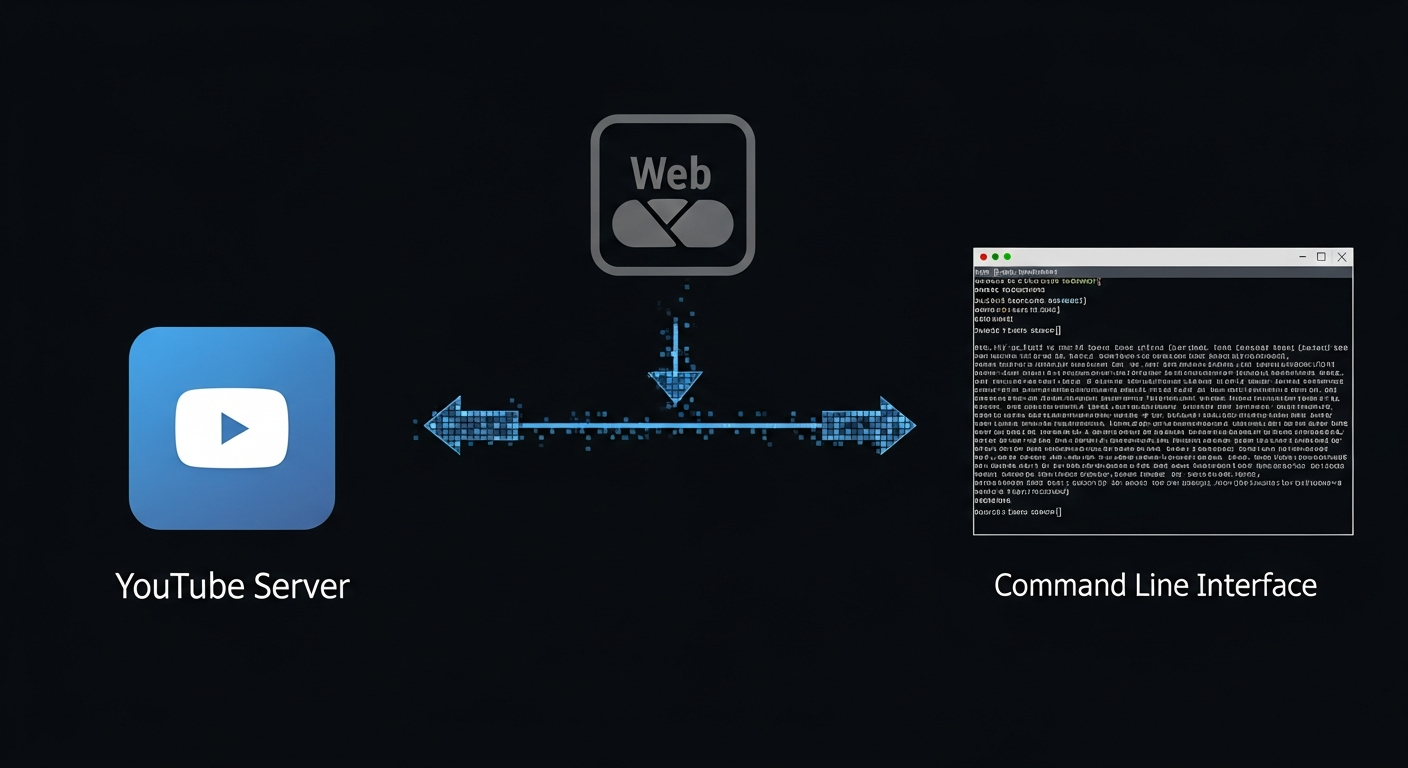
The ecosystem for command-line media consumption is built upon a few robust, open-source tools. The most prominent among them is yt-dlp, a fork of the widely recognized youtube-dl. This utility is exceptionally powerful, capable of downloading videos and audio from YouTube and thousands of other video-hosting sites. For streaming, yt-dlp acts as the intermediary, fetching the direct stream URL for the desired audio track.
Once yt-dlp has identified the stream, a media player is needed to handle the playback. Enter mpv, a highly customizable and lightweight media player known for its minimalist interface and powerful command-line capabilities. mpv can play almost any media format and, crucially, can stream directly from a URL provided by yt-dlp. The synergy between these two tools creates a potent combination for efficient audio playback.
Example Workflow:
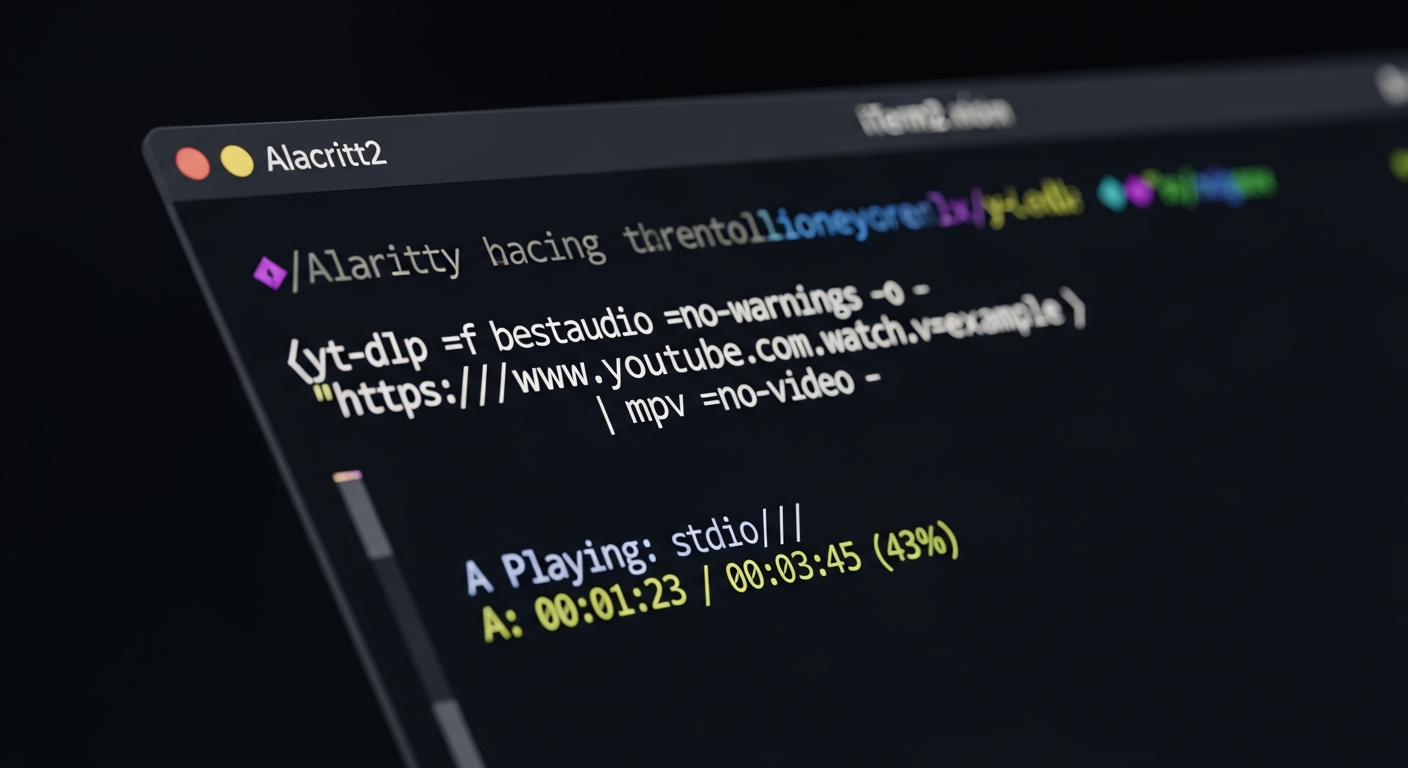
bash ytlp -f bestaudio --no-warnings -o - "https://www.youtube.com/watch?v=dQw4w9WgXcQ" | mpv --no-video --force-window=no --input-ipc-server=/tmp/mpvsocket -
This single line of command uses yt-dlp to fetch the best audio stream (-f bestaudio), suppresses warnings, outputs the stream to standard output (-o -), and pipes it directly into mpv. mpv is then instructed to play only audio (--no-video), prevent a graphical window from appearing (--force-window=no), and receive input from the pipe (-).
Beyond the Graphical Interface: Practical Applications
The utility of command-line YouTube streaming extends far beyond mere curiosity. Its applications are diverse and particularly valuable in specific scenarios:
-
Low-Bandwidth Environments: In regions or situations with limited internet bandwidth, downloading only the audio stream is significantly faster and more reliable than buffering a full video.
-
Server Environments: For users managing headless servers or virtual machines, this method provides a way to access YouTube content without needing to install a graphical desktop environment.
-
Background Listening: Developers, writers, or researchers often prefer background music or podcasts while working. Playing audio through the terminal ensures that system resources are prioritized for the primary task, minimizing distractions and performance lags.
-
Scripting and Automation: The command-line interface allows for seamless integration into custom scripts. Imagine a script that automatically plays a curated playlist of focus music, or extracts audio from a series of lectures for offline listening.
-
Accessibility and Minimalism: For users who prefer a text-based interface or those using minimalist operating systems, this method provides unhindered access to a vast content library.
While the initial setup might involve installing a few packages and understanding basic command syntax, the long-term benefits in terms of system performance and workflow efficiency are substantial.
Public Sentiment
Within the global tech community, particularly among developers, system administrators, and open-source advocates, the ability to play YouTube audio from the command line is largely met with appreciation. Sentiments often revolve around the elegance of minimalism and the empowerment of direct system control. Comments like, "Why bog down my system with a browser when all I need is the sound?" or "This is a lifesaver for my remote server setup," are common. There's a strong undercurrent of nostalgia for the efficiency of older computing paradigms, coupled with an embrace of modern, powerful command-line tools. However, for the average internet user accustomed to point-and-click interfaces, the concept often presents a perceived barrier of complexity, highlighting the niche appeal of such advanced methods.
Conclusion
The ability to stream YouTube audio via the command line stands as a testament to the enduring power and versatility of terminal-based computing. It is a solution born of necessity for some and a choice of efficiency for others. While not intended for every user, it offers a compelling alternative for those prioritizing system performance, resource conservation, and granular control over their digital environment. For the discerning user of the Rusty Tablet, understanding and leveraging such tools is more than a technical trick; it's a fundamental shift towards a more intentional and optimized interaction with ubiquitous online content.