
In the annals of computing, the BIOS (Basic Input/Output System) administrator password has long served as a fundamental gatekeeper. It controls crucial hardware settings and dictates boot sequences, acting as a first line of defense against unauthorized system alterations. However, the methods to circumvent this security measure have undergone a profound evolution, moving from rudimentary physical intervention to complex, timing-dependent exploits. This shift reflects a broader trend in hardware security, where the 'olden days' of simple fixes are giving way to a more sophisticated, and often more opaque, landscape.
Key Takeaways
-
Hardware security, particularly BIOS protection, has advanced significantly beyond simple physical bypasses.
-
Modern systems, such as ThinkPads, employ complex timing-dependent mechanisms to protect administrator passwords.
-
This evolution signifies a hardening against unauthorized access and a greater emphasis on firmware-level security.
-
The change complicates device management, requiring more sophisticated approaches for secure decommissioning and repurposing.
The Olden Days: Simplicity and Physical Access
For decades, an administrator password on a BIOS was often considered a mere annoyance, particularly if forgotten or inherited with a second-hand machine. The common remedy was disarmingly simple: power off the system, open the case, and pull the CMOS (Complementary Metal-Oxide-Semiconductor) battery. This small, coin-shaped battery powered the BIOS chip, retaining its settings, including the password. Depriving it of power for a few moments would often reset the BIOS to its factory defaults, wiping the password along with it. Other techniques involved moving specific jumpers on the motherboard, designed for developers or technicians, to initiate a clear CMOS function.
These methods relied entirely on physical access to the machine's internal components. While effective, they highlighted a fundamental vulnerability: anyone with a screwdriver and a few minutes could bypass a critical security layer. This inherent weakness prompted manufacturers to re-evaluate and fortify their BIOS security implementations, leading to the sophisticated systems we see today.
The Modern Landscape: ThinkPads and the Timing Challenge
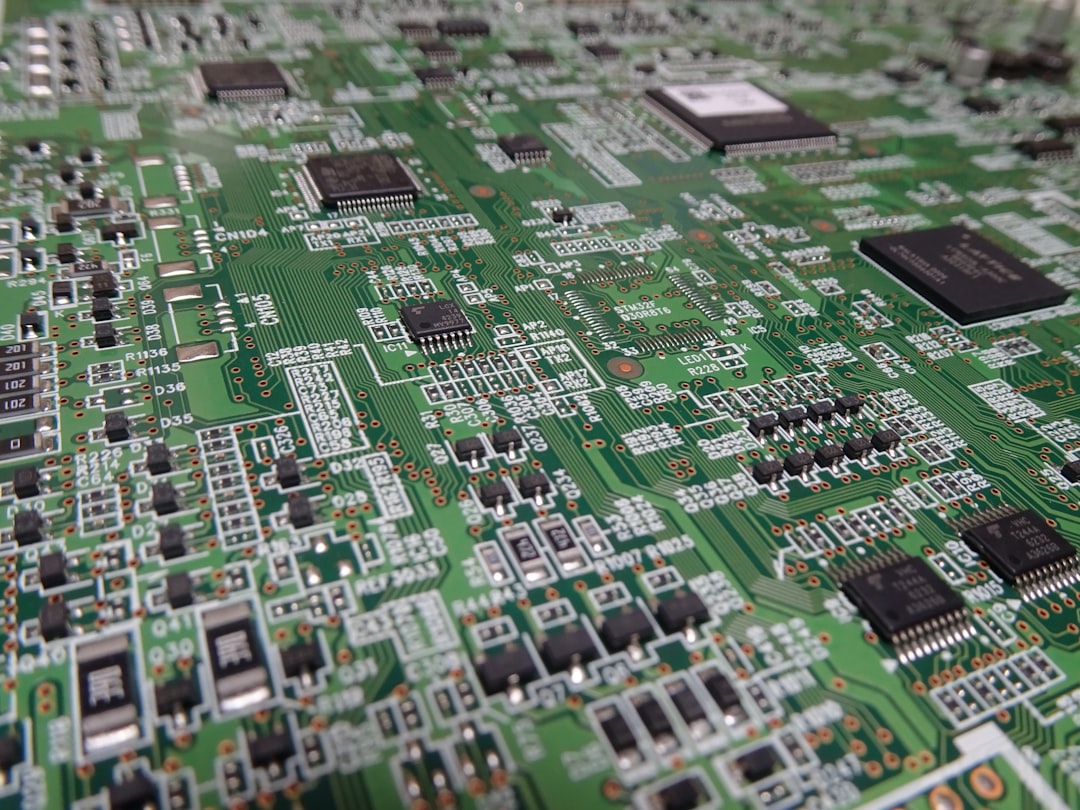
Modern hardware, exemplified by robust business laptops like the Lenovo ThinkPad, has significantly raised the bar for BIOS security. The days of simply removing a CMOS battery to clear an administrator password are largely a relic of the past. Today's systems incorporate more resilient non-volatile memory and firmware designs that resist such straightforward physical resets. Instead, bypassing these passwords often requires a deep understanding of the specific hardware's boot sequence, diagnostic modes, and even precise timing of power cycles or button presses.
The 'timing' aspect mentioned in the original context is crucial. It suggests that a successful bypass might not be about brute force or a simple hardware switch, but rather about exploiting a narrow window of opportunity during the boot process, or executing a specific sequence of actions within a tightly controlled timeframe. This could involve specific key combinations during power-on, interactions with hardware-level debugging interfaces, or even exploiting manufacturer-specific vulnerabilities that require precise execution. These methods are often specific to model lines or even particular firmware versions, making a universal 'fix' increasingly rare. For legitimate users locked out, this often means contacting the manufacturer directly with proof of ownership, or in some niche cases, resorting to specialized, often costly, third-party services that possess proprietary tools or knowledge.
Implications for IT and Asset Management
The evolution of BIOS password protection carries significant implications for enterprise IT departments and asset management. On one hand, enhanced security is a boon for data protection. It makes it significantly harder for unauthorized individuals to tamper with corporate laptops, install malware at the firmware level, or access sensitive data by booting from external devices. This aligns with stringent data privacy regulations and overall cybersecurity best practices.
On the other hand, it creates challenges for legitimate IT operations. Forgetting a BIOS password for a fleet of devices can lead to significant downtime and costly recovery procedures. Secure decommissioning and asset repurposing also become more complex. Organizations need robust protocols for recording and managing BIOS passwords, or for securely wiping and re-provisioning devices without falling foul of these advanced protections. The 'right to repair' movement also finds a point of contention here, as manufacturers' hardening efforts can inadvertently limit a user's or third-party technician's ability to service or repurpose their own hardware.
Public Sentiment: Security vs. Control
Discussions around advanced BIOS security often polarize opinion. On tech forums and social media, users frequently express a mix of frustration and appreciation:
-
"It's infuriating when you inherit a laptop with a forgotten BIOS password. What used to be a 5-minute fix now feels like a digital brick." — System Administrator, Reddit
-
"While it's a pain if you're locked out, I appreciate that my company's laptops are harder to mess with. It's a necessary evil for corporate security." — IT Manager, LinkedIn
-
"This just reinforces why right-to-repair is so important. If I own the hardware, I should have full control, not just whatever the manufacturer allows." — Tech Enthusiast, Twitter
These sentiments highlight the ongoing tension between robust security and user control, a debate that continues to shape hardware design and policy.
Conclusion
The journey of BIOS administrator password protection from simple physical bypasses to sophisticated, timing-dependent challenges exemplifies the relentless pace of cybersecurity evolution. What was once a rudimentary lock has become an intricate digital vault, safeguarding the very foundation of a computer system. For "Rusty Tablet" readers, this transformation underscores the critical importance of understanding not just software security, but the often-overlooked hardware and firmware layers beneath it. As manufacturers continue to innovate, the cat-and-mouse game between protection and bypass will undoubtedly continue, driving ever more complex solutions in the pursuit of impenetrable digital security. The lesson is clear: securing your digital assets starts deeper than you might think. [FEATURED]